Documentation Index
Fetch the complete documentation index at: https://ampersand-24eb5c1a-docs-subscribe-permission-metadata.mintlify.app/llms.txt
Use this file to discover all available pages before exploring further.
Checklist before installing a Loxo integration
Before beginning the installation, you’ll need to gather a few metadata values from your Loxo account. The steps below outline where to locate each of these values.1. Full Domain
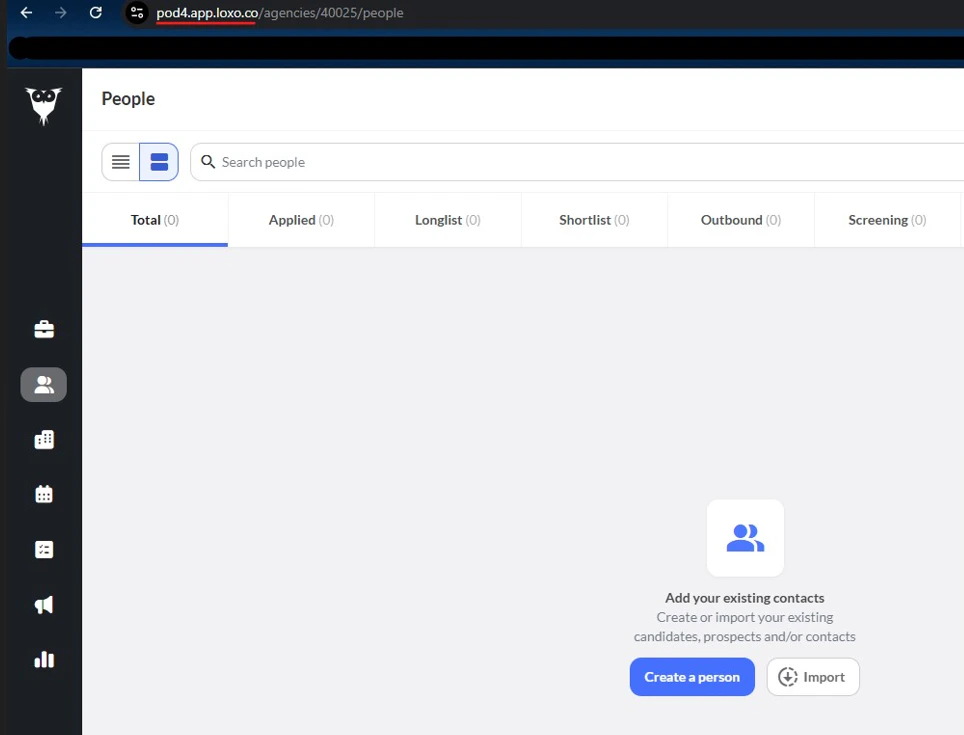
Log in to your Loxo account and check the URL in your browser’s address bar. It typically follows this pattern:https://[your-domain-here].
2. Agency Slug
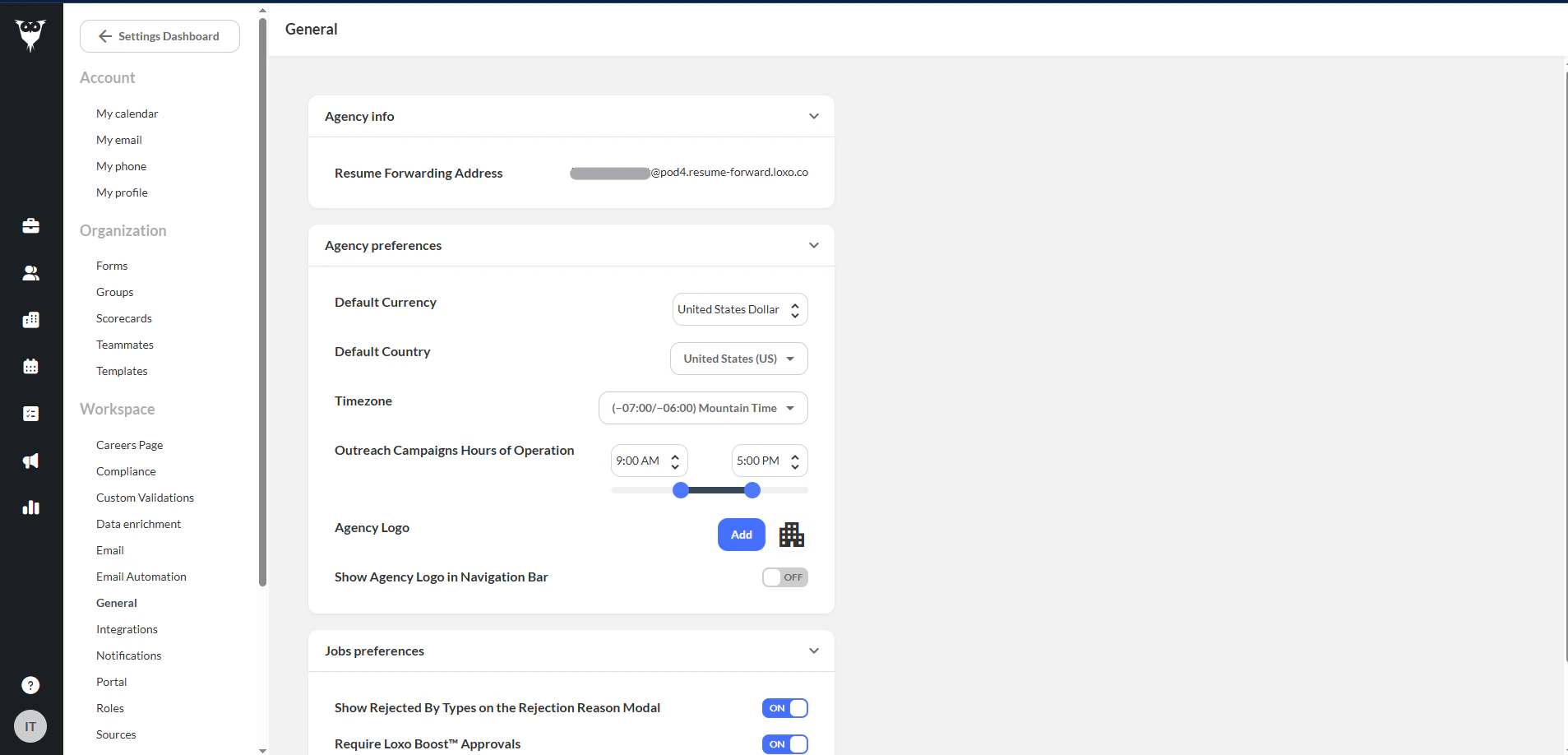
Go to Settings > Workspace > General. In the Agency Info section, check the Resume Forwarding Address. The text before the ’@’ symbol is your Agency Slug.